Why So Many People Install Their Own
A video doorbell sits in a sweet spot of home improvement: it is genuinely useful, the installation is well within what a beginner can handle, and the difference it makes is immediate. You get a live view of your front door, motion alerts when a package lands, and two-way talk when someone rings — all from a device that costs about the same as a nice dinner out. Most battery-powered models go from box to working in under an hour, with no wiring and no electrician.
That said, "easy" does not mean "thoughtless." A doorbell mounted at the wrong height misses faces, a weak Wi-Fi signal turns the camera into a very expensive decoration, and wired models connect to your home's low-voltage transformer, which means you work around electricity whether you like it or not. This guide walks through the whole job the way a careful beginner should approach it: choose the right type, check compatibility before you buy, install it properly, and position it so it actually works.
Battery-Powered or Wired: Pick Your Type First
Video doorbells come in two fundamental flavors, and this decision shapes everything else.
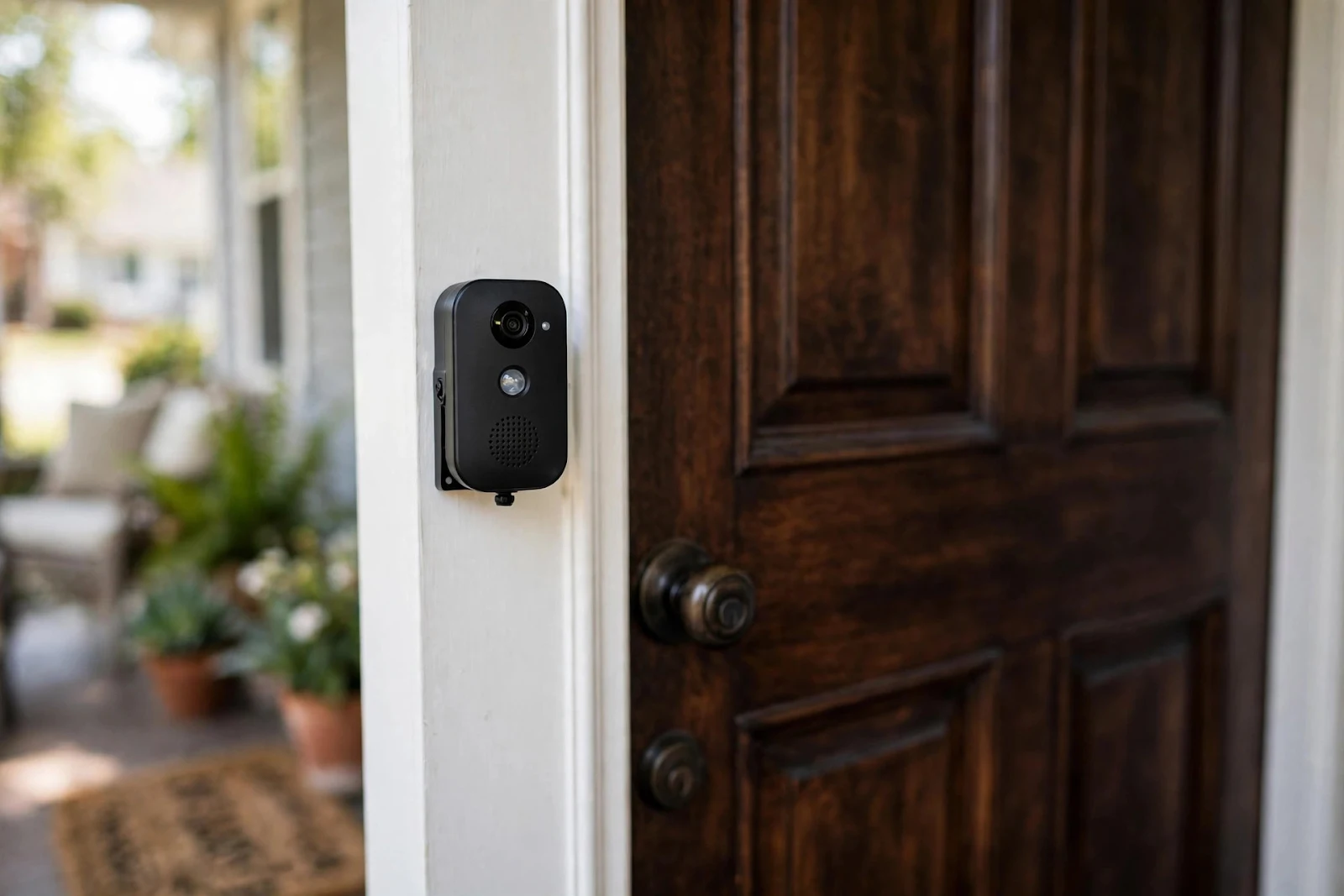
Battery-powered models mount with a few screws and run on a rechargeable battery you top up every few weeks to a few months, depending on how much motion they detect. The tradeoff is maintenance: you will pop the unit off its bracket to charge it, usually via USB, and cold weather drains batteries noticeably faster.
Wired models connect to your existing doorbell wiring and run off the transformer continuously. They never need charging and they can ring your existing indoor chime. The catch is that you must have compatible low-voltage wiring already in place — typically 16 to 24 volts AC — and you must turn off the circuit before touching it. If your house has no doorbell wiring at all, wiring one from scratch is not a beginner project.
For a first installation, battery power is the safer recommendation. It removes the only electrically hazardous step, installs in minutes, and most models can be converted to wired later if you add wiring or discover existing wires behind the old button.
What You Need Before You Start
Gather everything before you step onto the porch. The job is quick, but hunting for a screwdriver mid-installation is how doorbells end up crooked.
Tools and materials
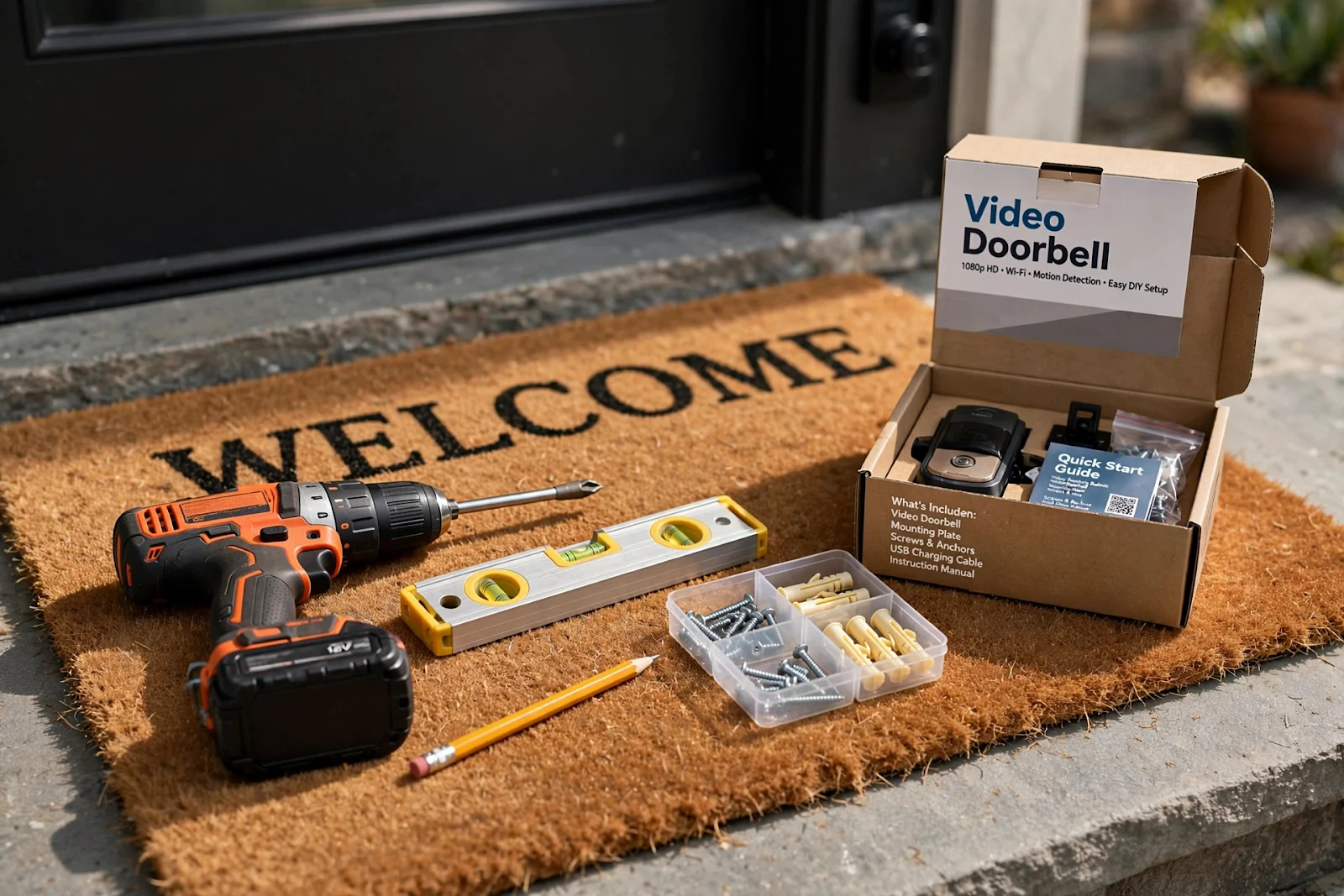
Most kits include the mounting bracket, screws, wall anchors, a USB charging cable, and a small screwdriver bit. You supply: a power drill with a small masonry or wood bit (depending on your siding or door frame), a pencil for marking, a smartphone with the manufacturer's app installed, and your Wi-Fi network name and password. A spirit level or a level app helps; a doorbell mounted even slightly tilted looks wrong from the street.
The three compatibility checks
First, Wi-Fi strength at the door. Open your phone's Wi-Fi settings at the exact spot where the doorbell will sit and run a speed test. Video doorbells generally want at least a couple of megabits per second of upload speed at that location. If the signal is weak, move your router closer, add a mesh node near the front of the house, or install a Wi-Fi extender before buying the doorbell. This single check prevents the most common disappointment in the category.
Second, mounting surface. Doorbell brackets need a flat surface at least as wide as the bracket — usually about 2 to 2.5 inches. Narrow door frames, rounded trim, or textured stone can complicate things. Wedge mounts and corner kits exist for angled installations, and they are worth buying with the doorbell rather than discovering the need afterward.
Third, height and sightline. The standard mounting height is 48 inches from the ground to the camera lens. Too high and you get the tops of heads; too low and packages block the view. If your door has a side window or sidelight, that is often the ideal spot — centered framing of visitors without the door itself getting in the way.
Installing a Battery-Powered Video Doorbell, Step by Step
Step 1: Charge the battery fully
Do this first, not last. A full charge takes several hours on USB, so plug it in while you do the rest of the prep. Installing a half-charged doorbell means it dies on day three and you blame the product instead of the process.
Step 2: Set it up in the app before mounting
Create your account in the manufacturer's app, add the new device, and connect it to your Wi-Fi while standing indoors near the router. Walk through the firmware update if one is offered.
Step 3: Mark and drill
Hold the mounting bracket at 48 inches on your chosen surface, level it, and mark the screw holes with a pencil. Drill pilot holes slightly smaller than the screws or anchors. On brick or masonry, use a masonry bit and the included anchors; on wood or vinyl siding, the screws can usually go straight into pilot holes. If you are replacing an existing doorbell, remove it first and check whether the old holes line up — reusing them is fine.
Step 4: Mount and test
Screw the bracket firmly in place, slide or click the doorbell onto the bracket, and secure the locking screw if your model has one. Then walk out to the street and have someone ring the bell, or ring it from the app, while you check: does the video show faces clearly, is the motion detection picking up the walkway, and does the two-way audio work both directions? Adjust the angle with a wedge if the view is off. Only then should you consider the job done.
If You Choose Wired: The Safety Basics
Wired installation is still very doable, but it adds one rule that overrides everything else: turn off the breaker for the doorbell circuit before touching any wire, and verify it is dead with a non-contact voltage tester. Doorbell circuits are low voltage — typically under 24 volts — but "low voltage" is not "no voltage," and working live is never worth it.
With the power off, remove the old doorbell button, connect the two wires to the new doorbell's terminals (polarity does not matter for these), and mount it. At the transformer — usually in a utility closet, basement, or near the breaker panel — confirm it outputs 16 to 24 volts AC, which matches what most wired doorbells require.
Know your limit: if you open the old doorbell and find a tangle of unlabeled wires, a transformer you cannot locate, or anything that smells like it has been overheating, stop and call an electrician. A thirty-minute professional visit costs far less than a wiring mistake.
Positioning Tips That Make or Break the Result
Height is the single biggest factor in video quality. At 48 inches, the camera captures faces, not foreheads or chins. If household members vary wildly in height, err slightly toward the shorter side — the camera's field of view is wide enough vertically to catch taller visitors, but a camera mounted at 60 inches turns everyone into a forehead.
Angle matters too. If the doorbell faces the street at an angle, a 15-degree wedge mount (sold as an accessory for most brands) points the camera down the walkway instead of at the neighbor's hedge. Most apps offer HDR or backlight compensation settings — enable them if your porch gets direct afternoon sun.
Keep the lens clean. A doorbell camera lives in dust, pollen, and rain spray, and a smeared lens is the most common cause of "my video got worse." Wipe it with a microfiber cloth every month or two.
Privacy, Neighbors, and Local Rules
A camera that sees your porch often sees part of the street too, and that comes with responsibilities. Set motion zones in the app so the camera only records your property — most apps let you draw a zone that excludes the sidewalk and the neighbor's driveway. Enable privacy zones if your camera catches a neighbor's window directly.
Audio recording has stricter rules than video in many places. Some jurisdictions require consent for recording conversations, even in public. Check your local regulations, and when in doubt, disable continuous audio recording while keeping the two-way talk function for live use.
Common Problems and Quick Fixes
The doorbell goes offline at night. This is almost always Wi-Fi, not the doorbell. Night is when everyone streams, and the weakest signal in the house drops first. A mesh node or extender near the front door fixes it in most cases.
Motion alerts for every passing car. Narrow the motion zone to the walkway and porch, lower the sensitivity one notch, and enable person detection if your model offers it. It takes a day or two of tuning to get right.
The battery dies in a week. Check how many motion events per day the app reports. A doorbell facing a busy sidewalk can record hundreds of events daily, and no battery survives that. Aim the motion zone at your property only, or reduce sensitivity.
Choppy two-way audio. Audio needs a stronger, more stable connection than video. If video looks fine but audio stutters, the Wi-Fi at the door is borderline — improve it rather than blaming the app.
Installing your own video doorbell is one of those rare projects where the effort-to-reward ratio is genuinely lopsided in your favor. An hour of careful work buys you a live eye on your front door for years. Do the compatibility checks first, mount it at the right height, respect the privacy of the people around you, and you will wonder why you waited.
